Here's an interactive tutorial
** Best experienced in Full Screen (click the icon in the top right corner before you begin) **
Step By Step Tutorial Demo Below. It's suggested to use full screen mode.

Additional Notes
Alive List: You’ll now see a simple list of bowlers who are still active (“alive”) in your bracket. This makes it easy to check at a glance who is still competing.
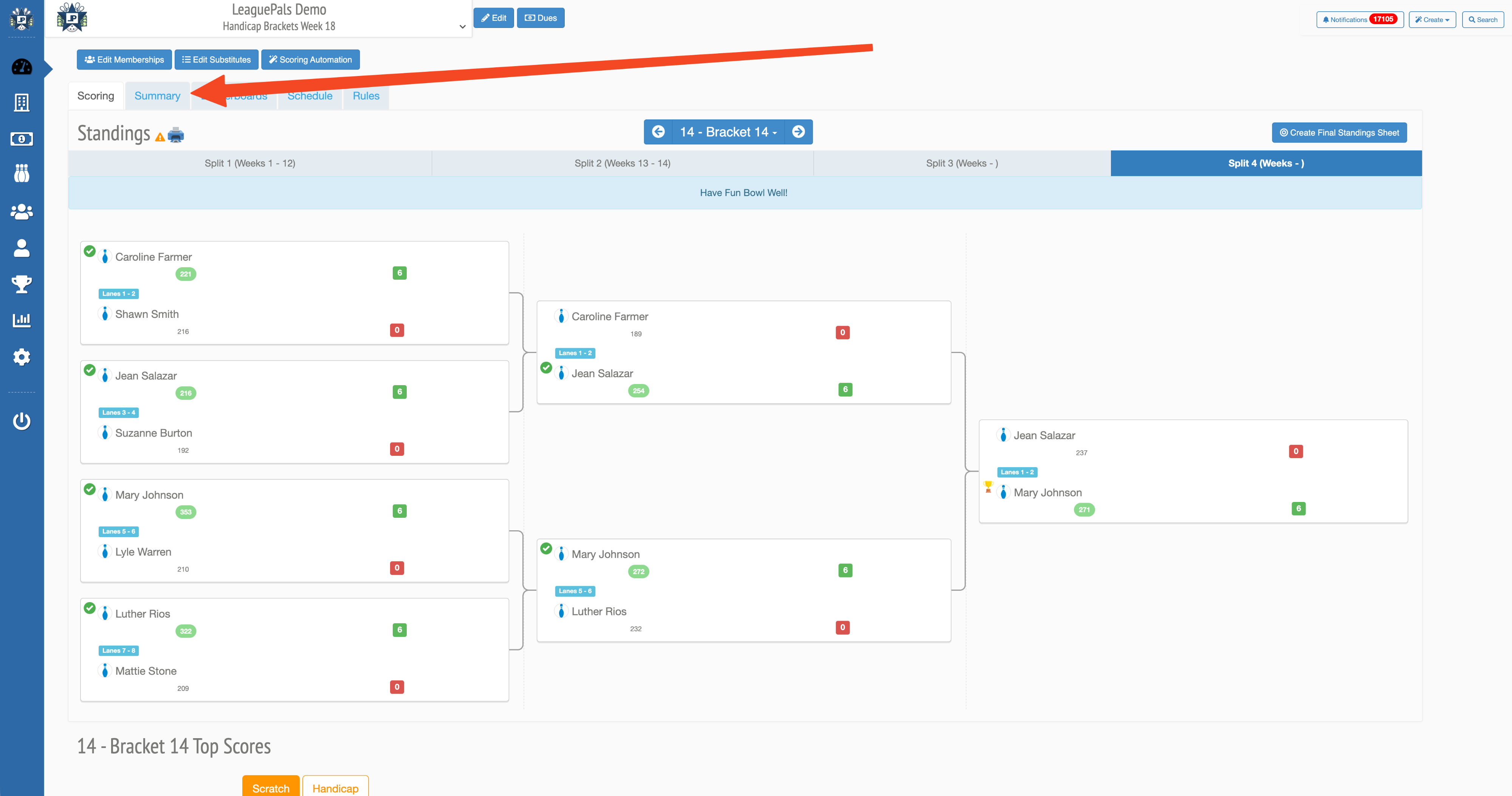
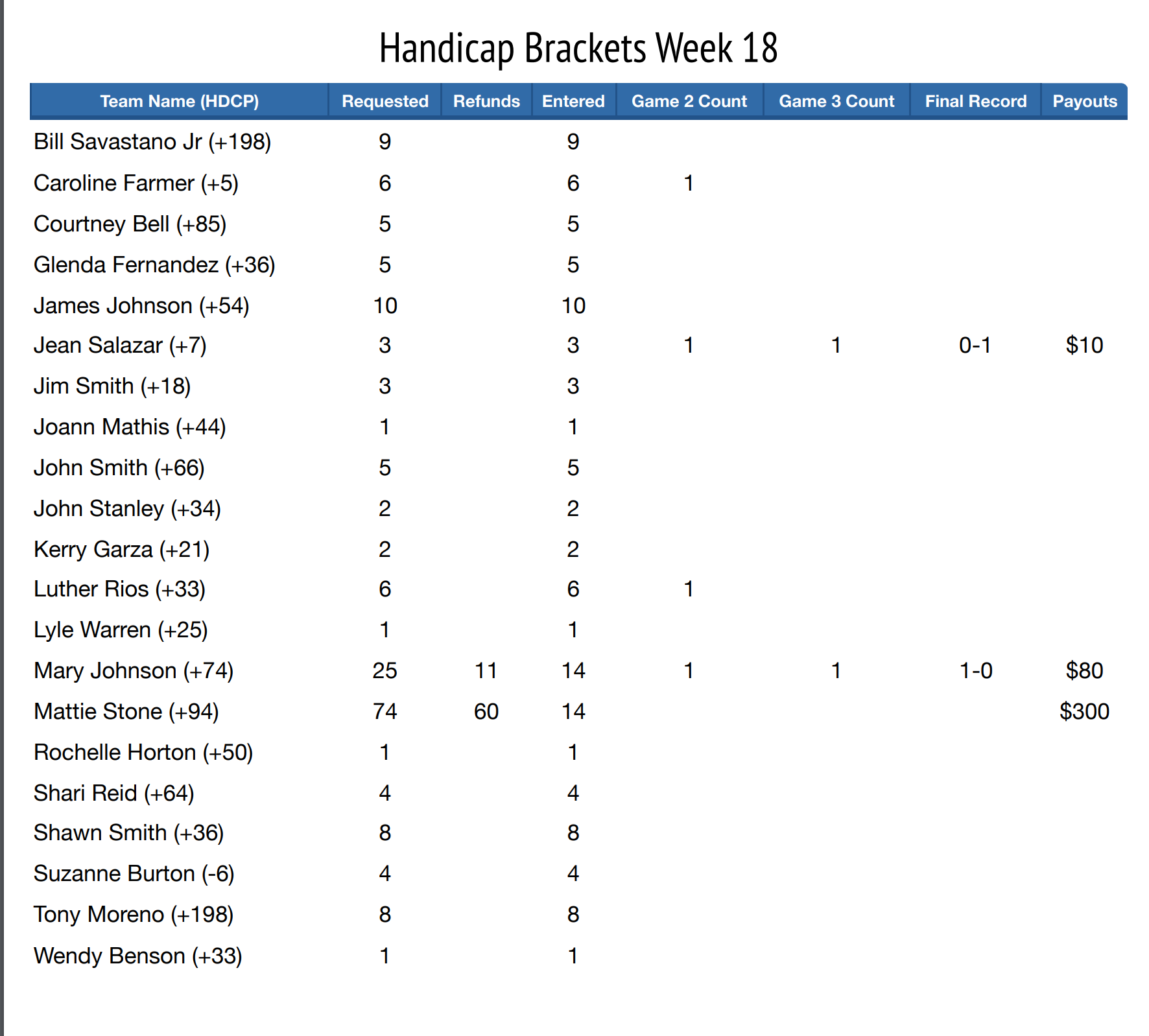
Payouts & Refunds: We’ve added a payout column that shows:
- 1st Place Prize
- 2nd Place Prize
- Refunds (if applicable)
This ensures you and your bowlers know exactly what the winnings or refunds are without needing to calculate anything by hand.
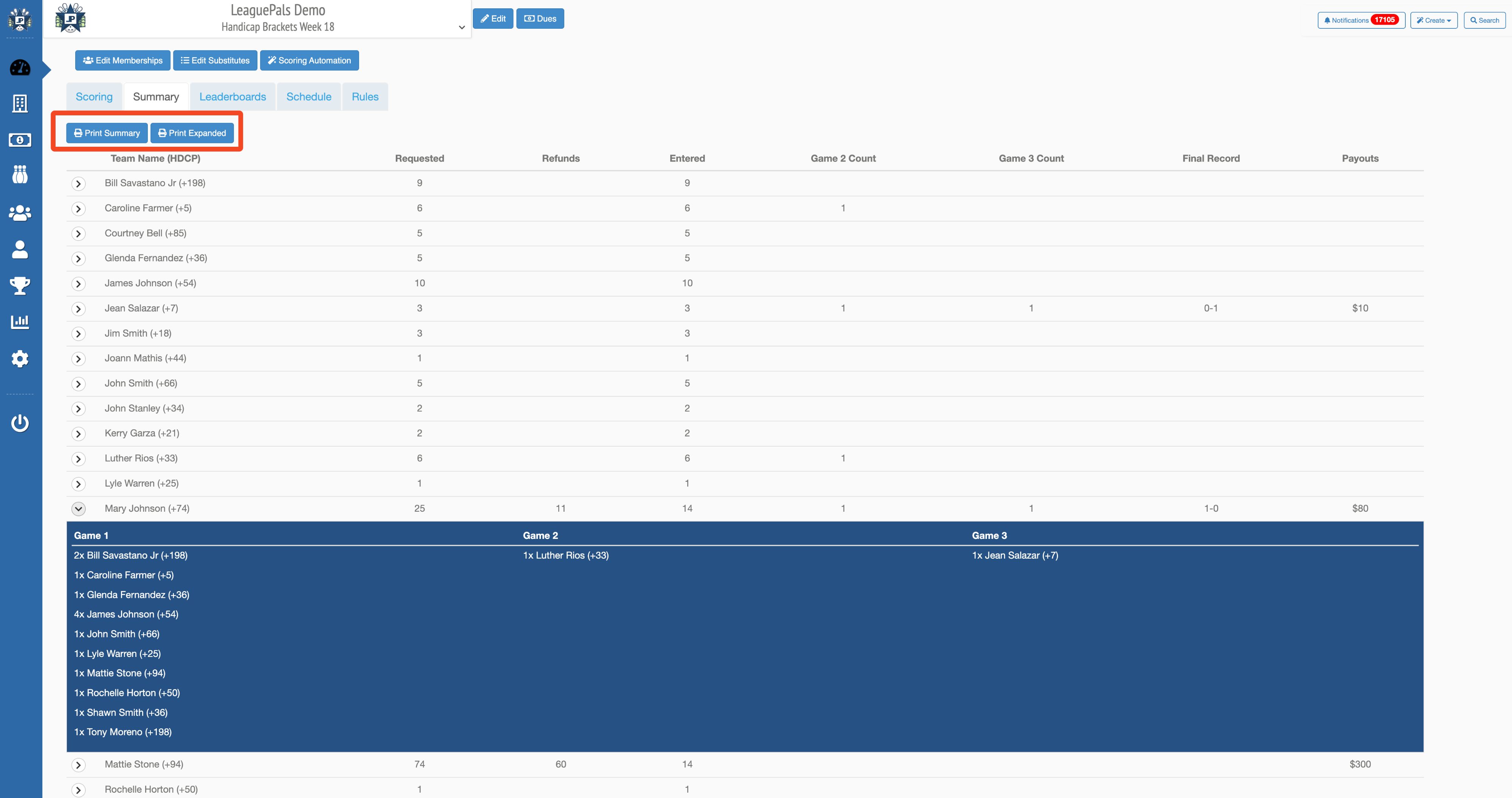
Bracket Setup Options: When creating a bracket, you can now enter:
- Bracket Entry Fee ($ Amount)
- 1st Place Prize
- 2nd Place Prize
These values flow directly into the payouts display, so everything stays consistent and accurate.
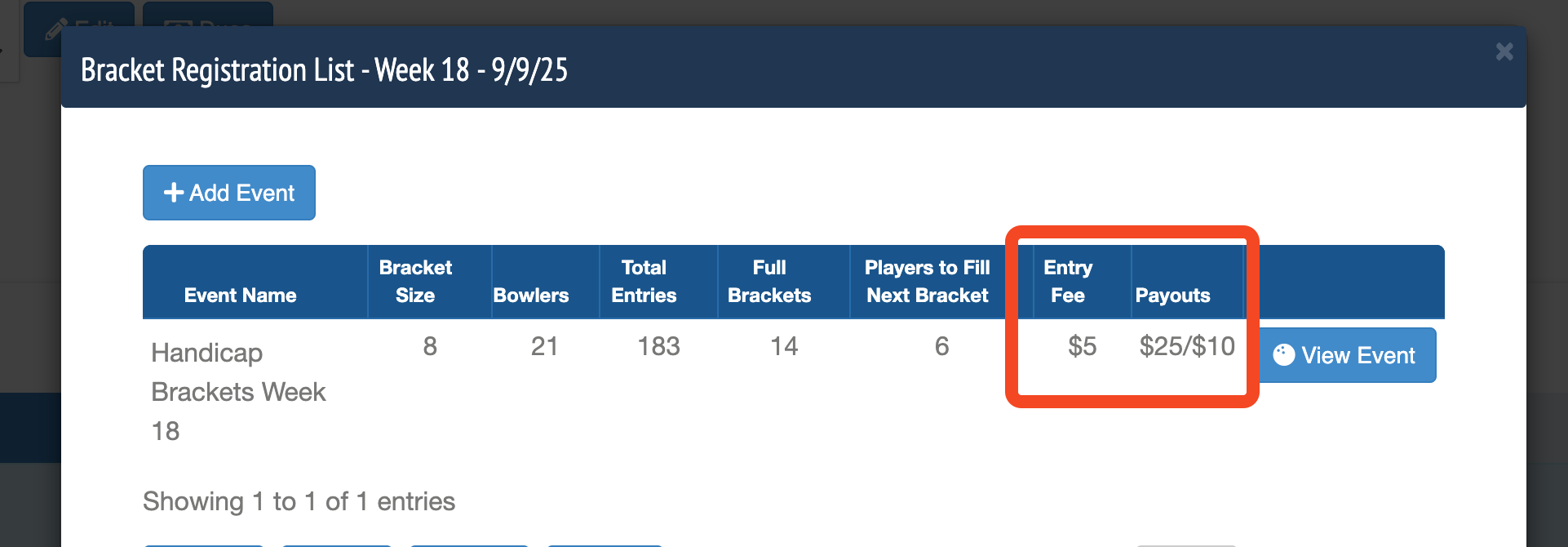
4. Print-Friendly Reports: A new “Print” button lets you print the bracket payouts. You can choose whether to print with the tables expanded (showing all detail) or collapsed (showing just the essentials).
Was this article helpful?
That’s Great!
Thank you for your feedback
Sorry! We couldn't be helpful
Thank you for your feedback
Feedback sent
We appreciate your effort and will try to fix the article