
Verify Changes Made on Lanes
Confirm new subs and name changes from the lanes so Cloud Scoring can finish processing.
Jump to section
Overview
If a brand new substitute bowls in a league, or a bowler changes their name on the lanes, LeaguePals cannot match that name yet. You will need to verify those bowlers before scores finish processing.
Step-by-Step: Verifying Bowlers
1
Click Verify on the yellow notificationClick Verify on the yellow substitute notification. You will find it in Notifications in the top right toolbar, on any device. This opens the event's Scoring Automation window. If you are asked whether to send a push notification, choose your answer to continue to the verify list.

2
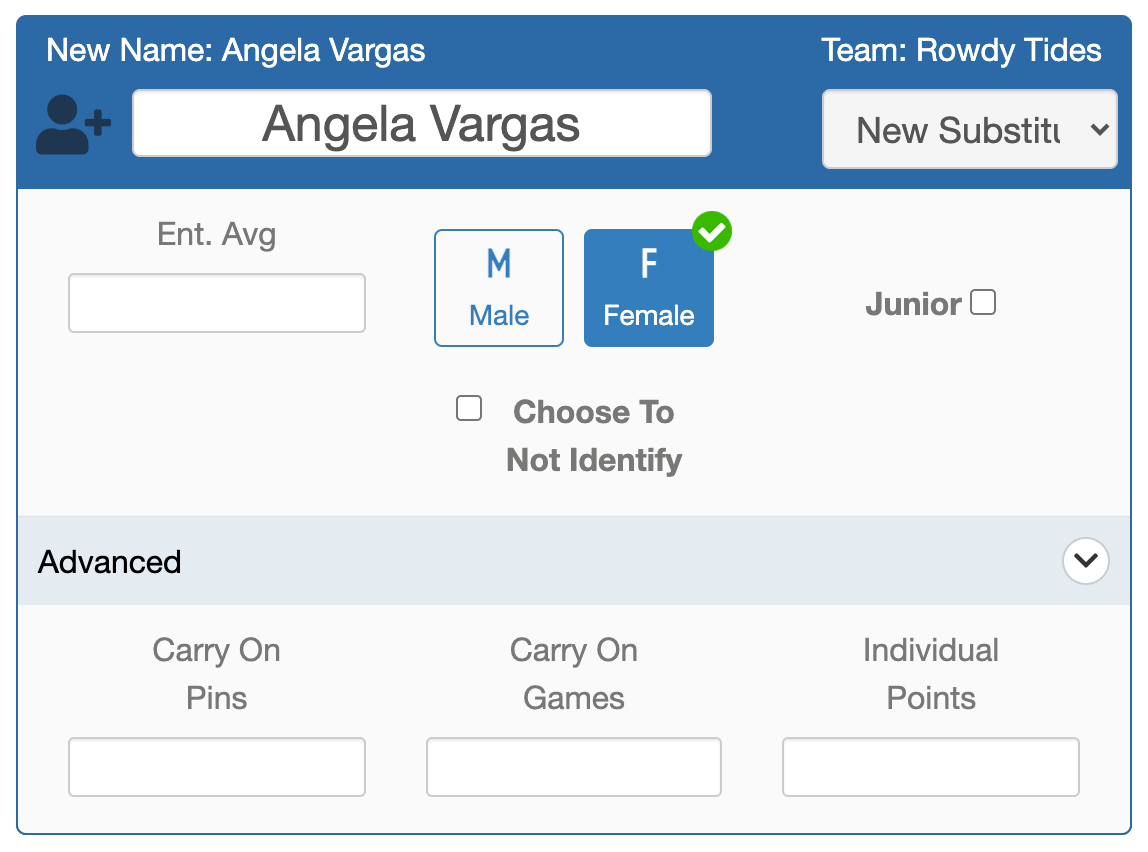
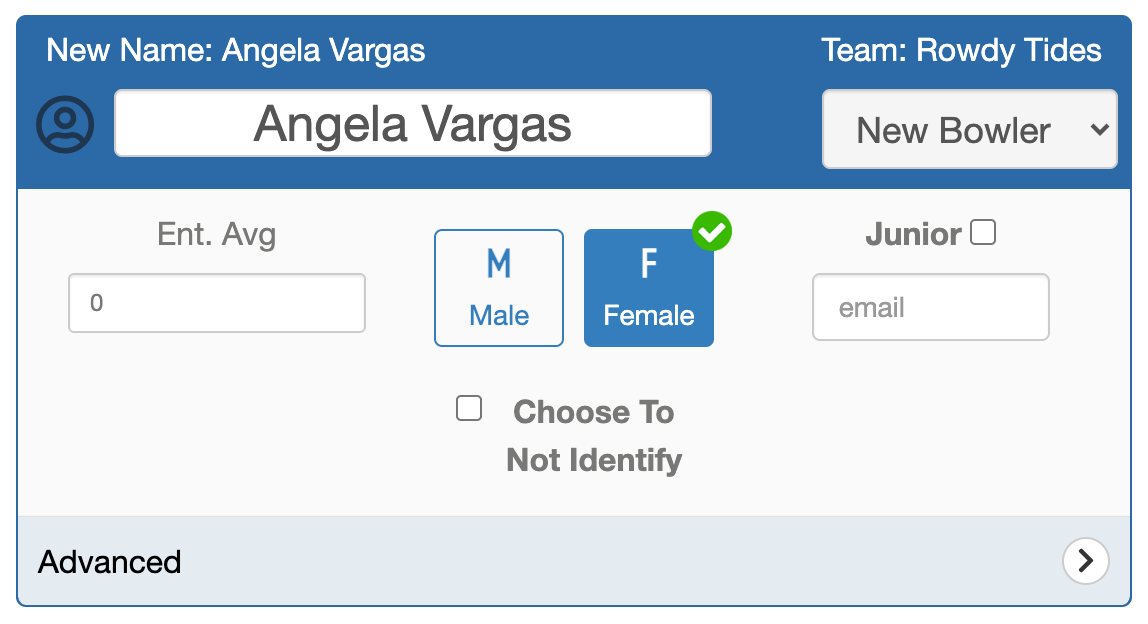
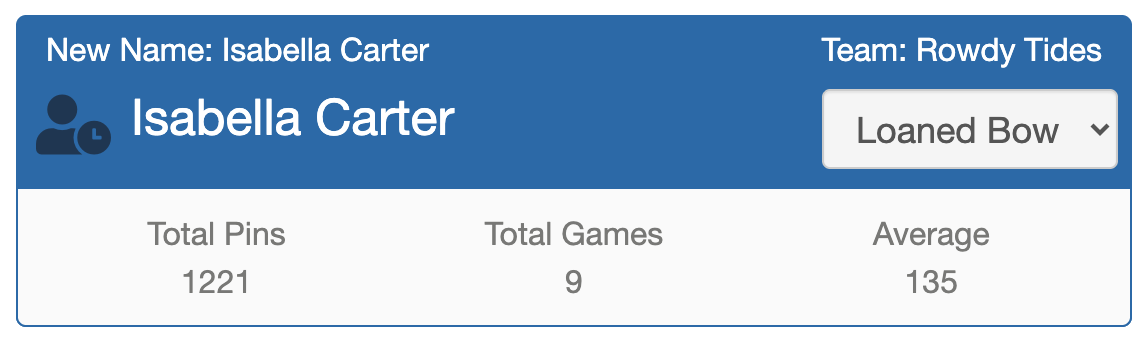
Review each bowler in the listEvery name received from the lanes that does not match LeaguePals is listed here. Pick the right option for each bowler (see the options below).
3
Click VerifyOnce every bowler is updated, click the green Verify button at the bottom. Processing continues automatically.
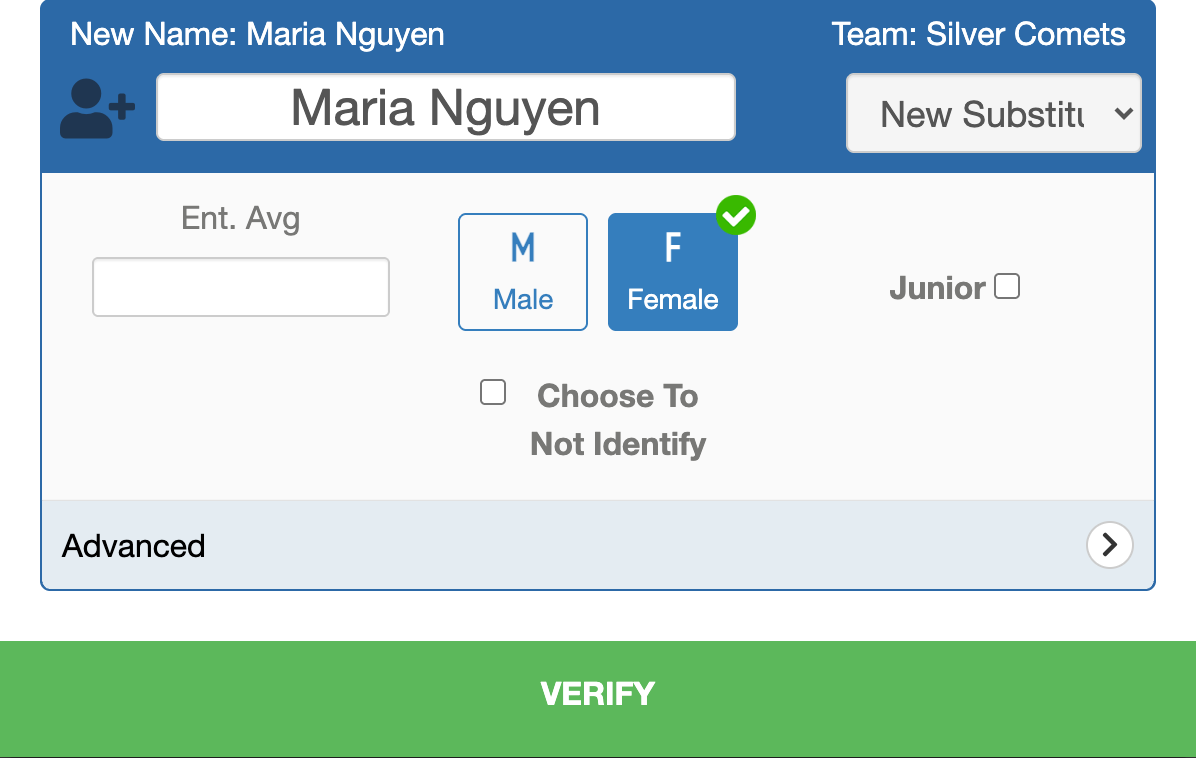
Options for Each Bowler
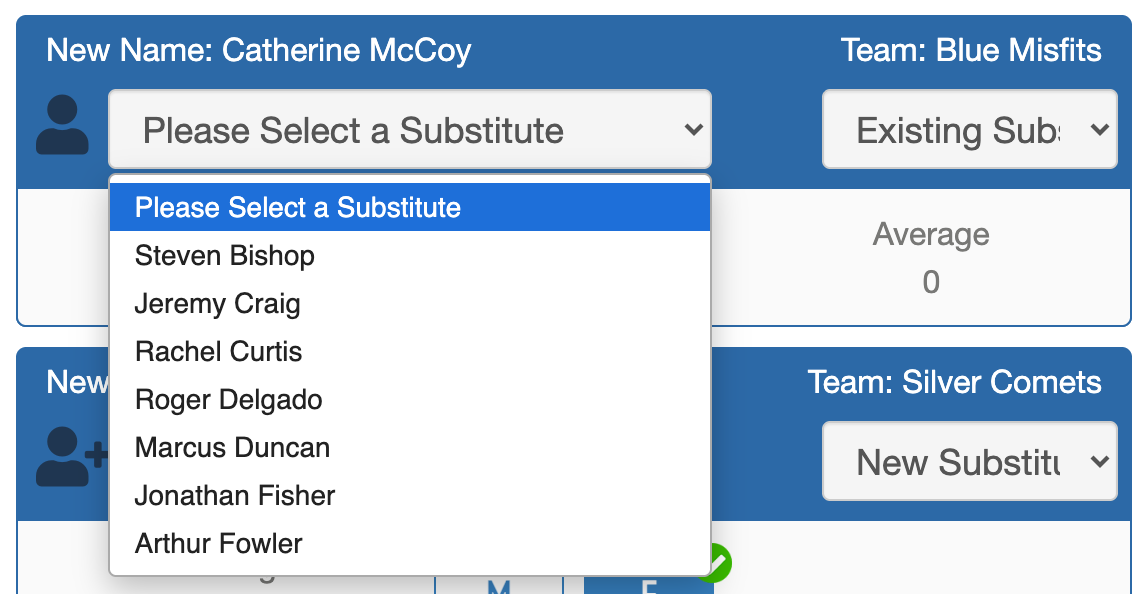
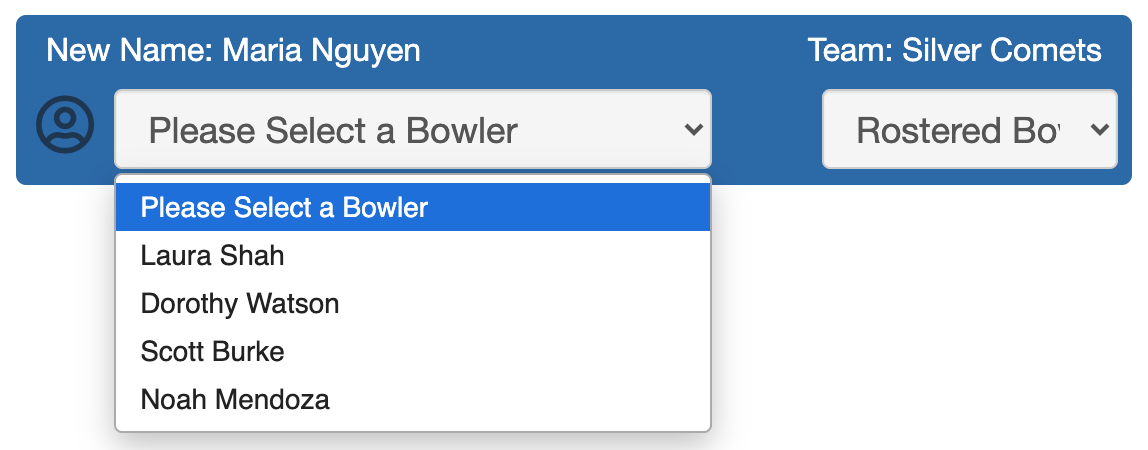
Tip
You can also open this window yourself: click the gear icon next to the event on your Dashboard's Events tab and choose Scoring Automation.
Need more help?
If you get stuck, submit a support ticket and our team will be happy to help.
Was this article helpful?
That’s Great!
Thank you for your feedback
Sorry! We couldn't be helpful
Thank you for your feedback
Feedback sent
We appreciate your effort and will try to fix the article